All work

02 / Selected work

Planner Mobile

AI-first work management on the go: capture a thought, let agents get started, stay on top and unblock them, then read and share the result, all from your phone.

  • Microsoft Planner
  • Vision
  • Mobile
  • AI-first

01 / Context

Context

State of affairs for Path on mobile. To Do: Android 0.64M MAU, 50+ NPS, 4.7+ rating; iOS 1.6M MAU, 50+ NPS, 4.7+. Planner: iOS 0.3M MAU, 25 NPS, 4.7+; Android 0.2M MAU, 38 NPS, 4.4+. The phones then slide together to reveal Outlook MOS at 0.1M MAU and Tasks in Teams at 1.4M MAU, with 0.4M frontline MAU.

State of affairs for Path on mobile


02 / Compete

Compete

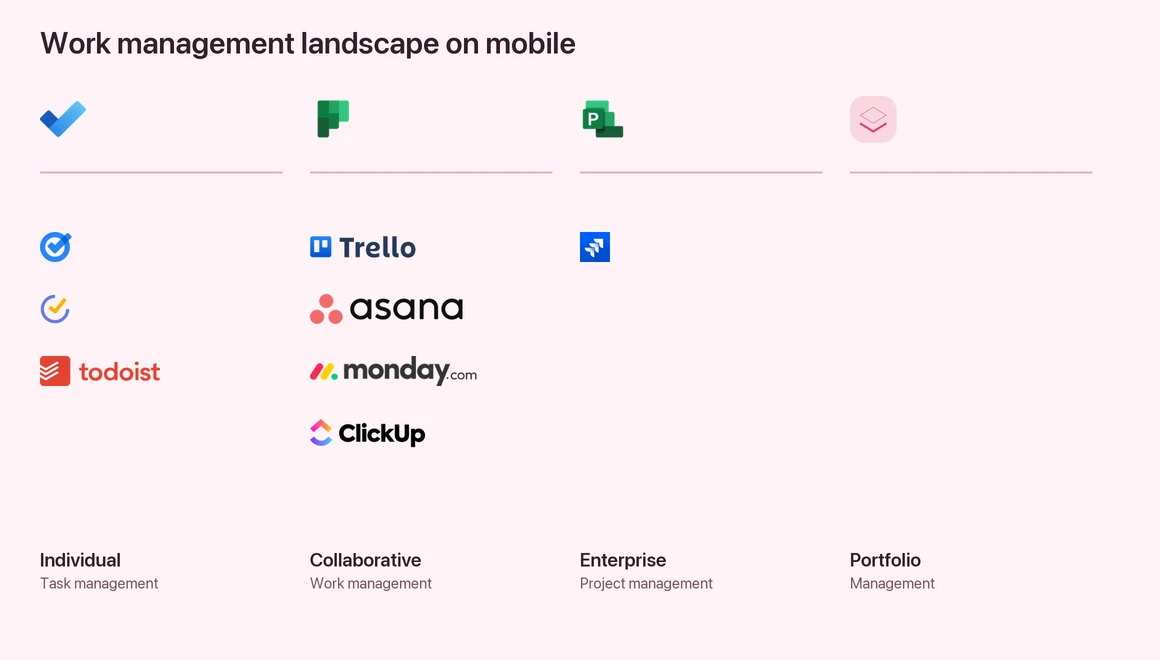
Work management landscape on mobile

Work management landscape on mobile: Individual task management (Google Tasks, TickTick, Todoist), Collaborative work management (Trello, Asana, monday.com, ClickUp), Enterprise project management (Jira) and Portfolio management.

How competes have been responding to the AI wave

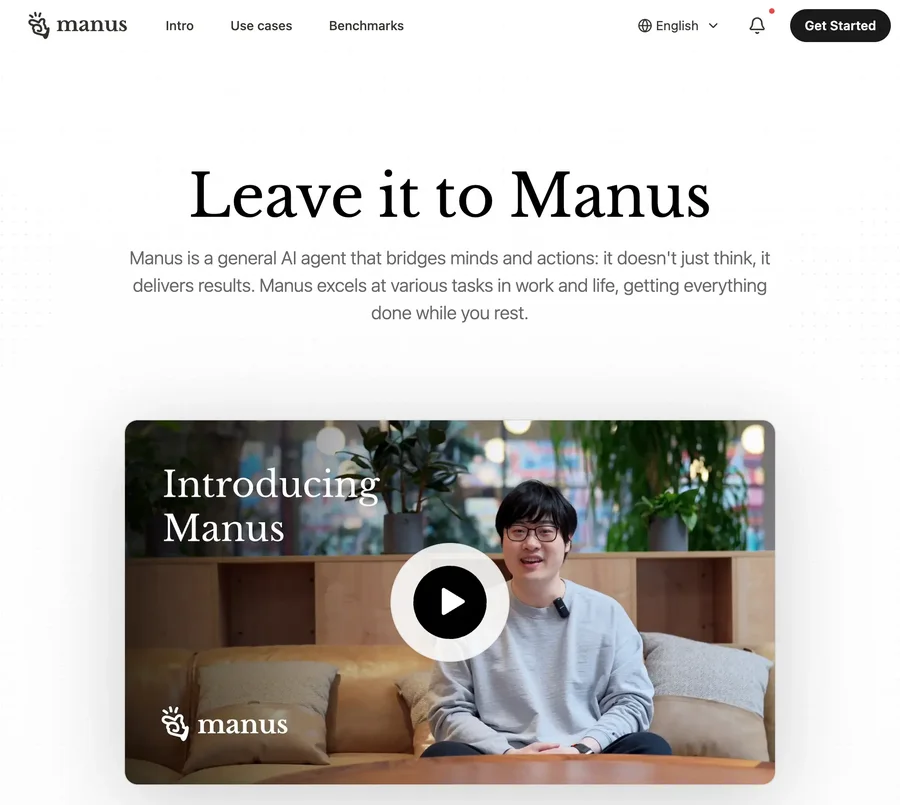
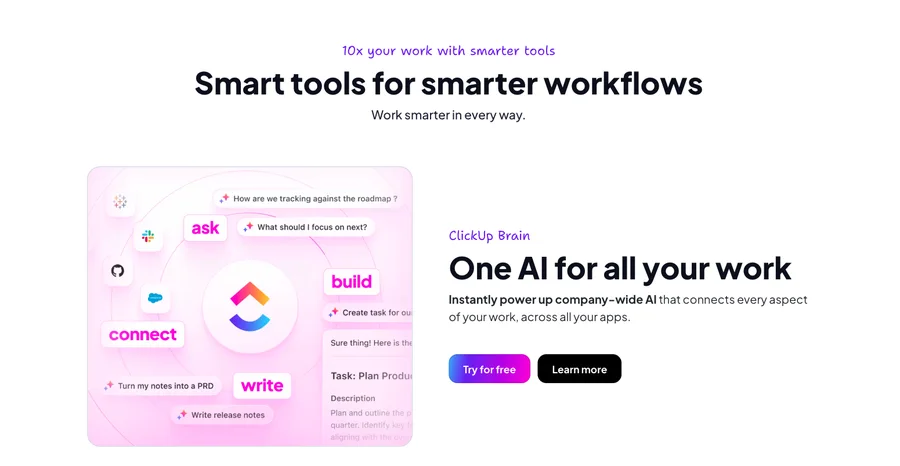
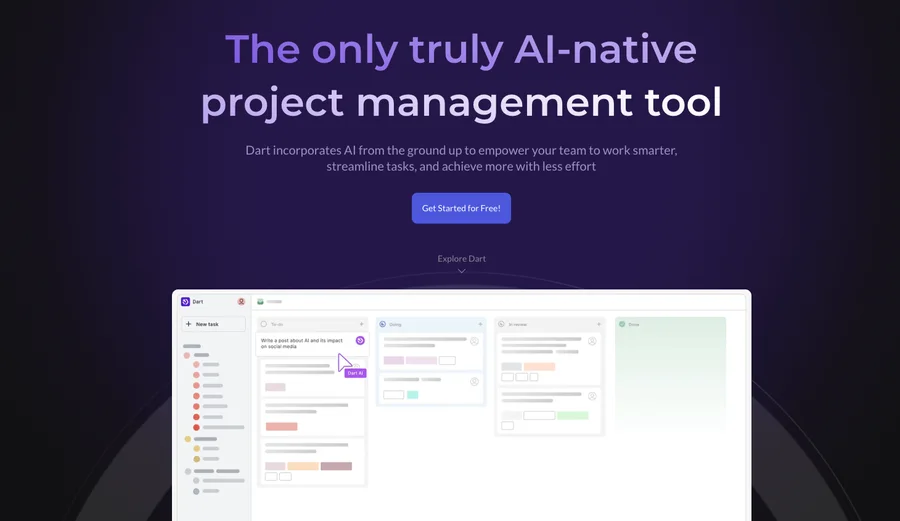
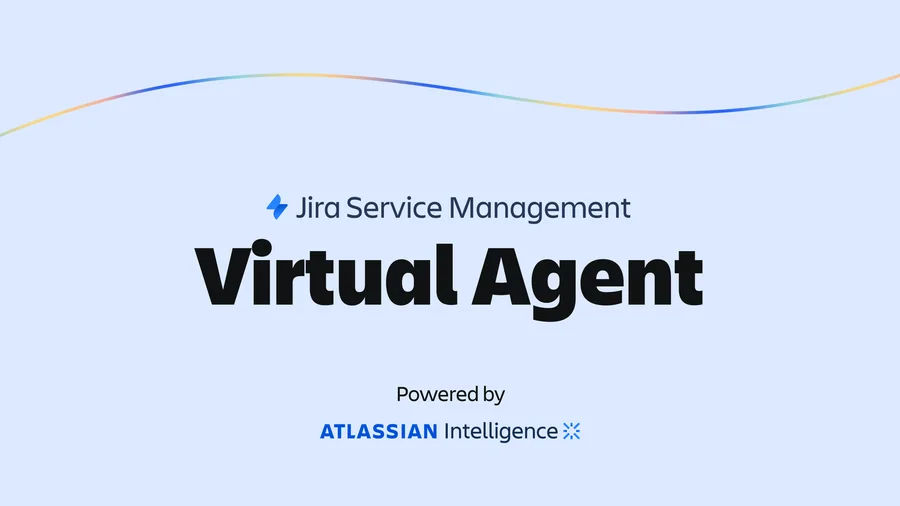
Animation: a timeline from January 2023 to April 2025 with a row per competitor, showing when each announced AI features and shipped them. Incumbents such as Jira, Todoist, Google Tasks and TickTick have done little beyond announcements and beta, while new age competitors such as Taskade, Manus and Dart already have agents.
monday.com AI announcement page
Asana AI announcement page
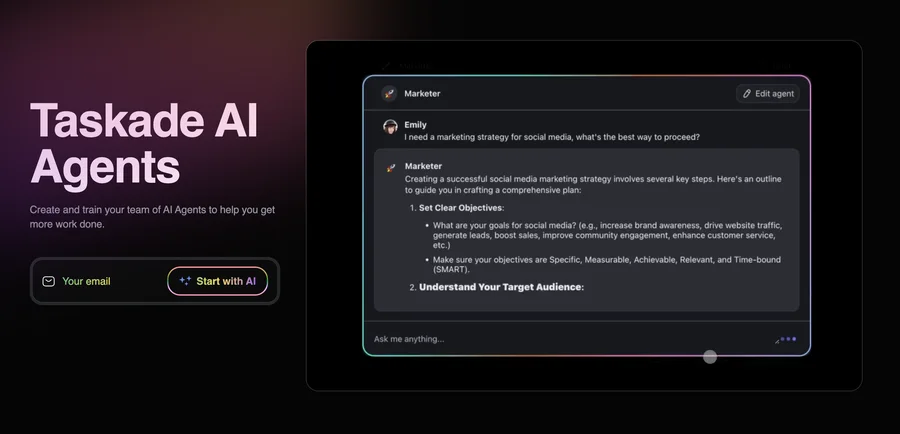
Taskade AI announcement page
Manus AI announcement page
ClickUp AI announcement page
Dart AI announcement page
Jira AI announcement page

Key takeaways

Based on analysis of user comments of Taskade, Dart and Manus.

Changing baselines

Low hanging generative-AI features like ‘Capture and breakdown’ are already becoming tables-stakes.

Shift in mental model

Agents are causing a fundamental shift from ‘Capture to do it later’ to ‘capture and do it now’.

Companion vs standalone

Mobile is a companion: users expect continuation of desktop, not feature parity with desktop.

Simplicity

Lack of features is okay as compared to feature bloat. Simplicity is non-negotiable.

“It’s more than Task Management, it’s a productivity, note-taking app. All in one.”

Taskade user

03 / Core user jobs

Core user jobs

Work management on mobile, core user jobs

  1. Capture at the speed of thought
  2. Get started with work, on the go
  3. Stay on top, triage and unblock
  4. Consume quickly
  5. Share and collaborate

04 / Capture at the speed of thought

Capture at the speed of thought

Demo
  • Copilot as a go-to place for capturing thoughts around work.
  • Using natural language to formulate the thoughts and ideas.

Familiar interface

Easy learning curve. Focus more on forming the thought than using the interface.
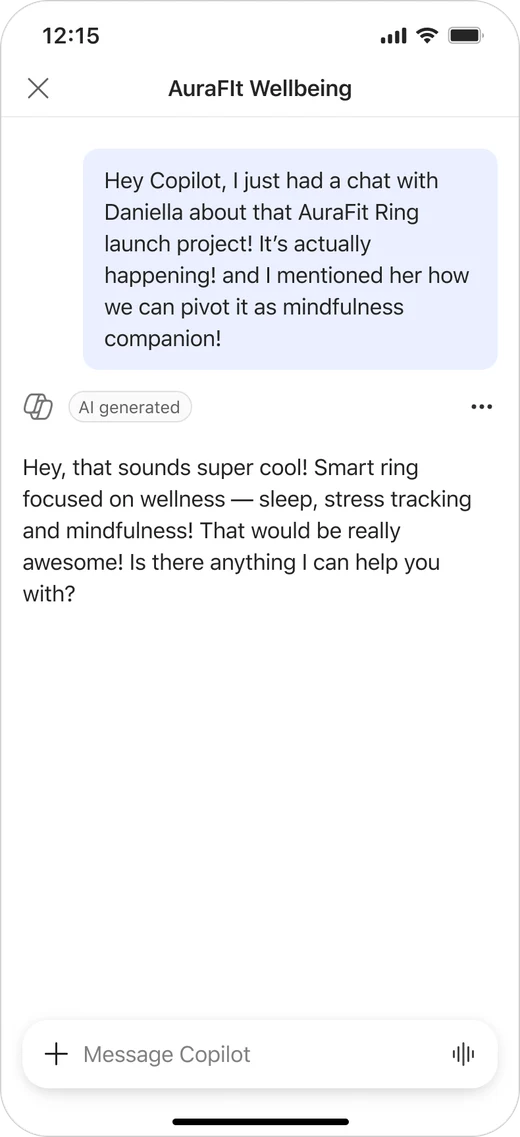
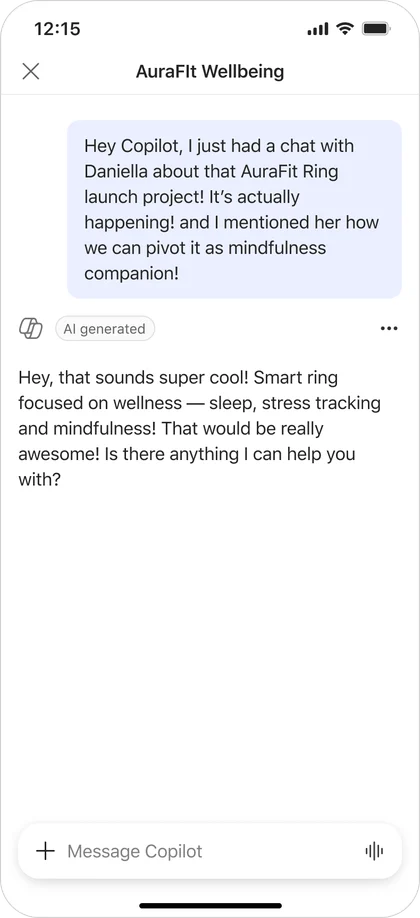
Copilot chat on a phone with a spoken thought about a conversation with Daniela

Building on the context

System understands who Daniela is, which work is being referred to, and the corresponding urgency and importance.
Copilot phone screen showing tasks created from the captured thought

05 / Get started with work, on the go

Get started with work, on the go

Demo
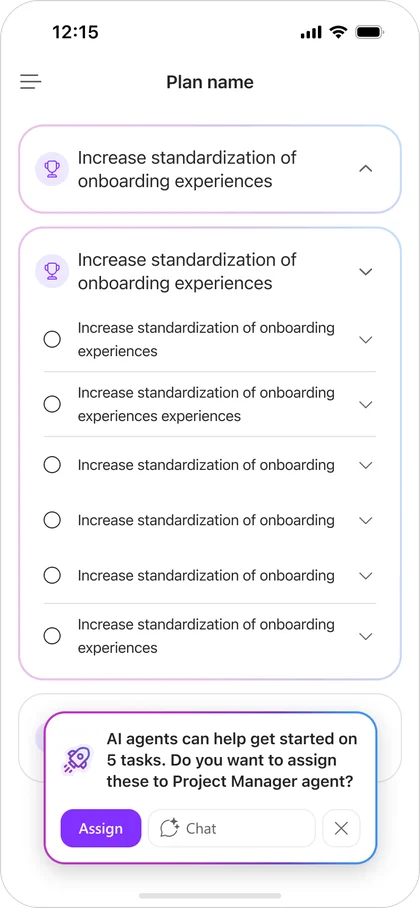
  • Initiate execution of tasks with the help of agents.
  • Proactive nudges to guide users.

Proactive nudge

Agents raise hand to offer help when applicable for the tasks.
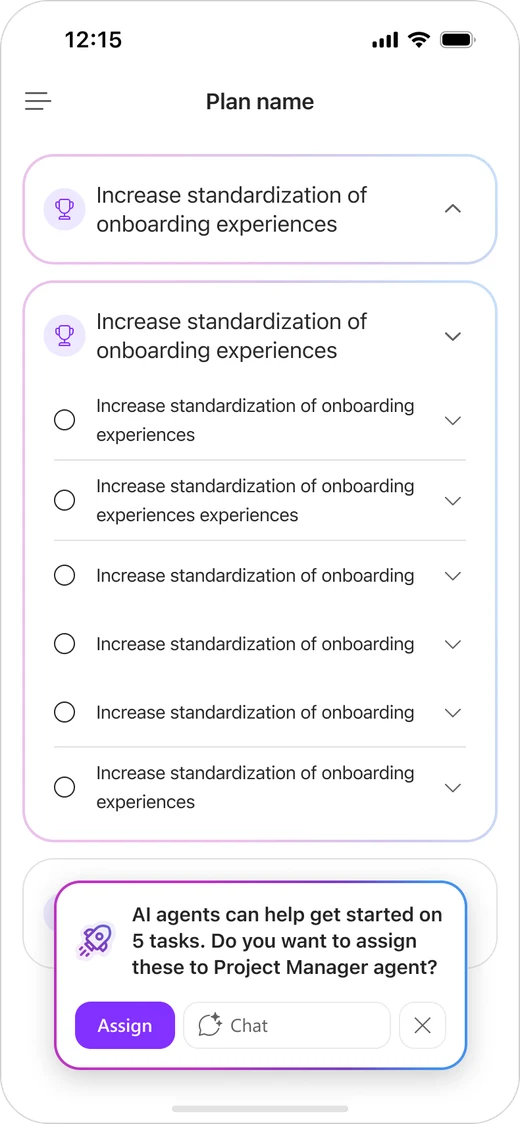
Plan on a phone with an agent nudge offering to help with tasks

Asynchronous workflows

Allowing users to focus on other things while agents work asynchronously in the background.
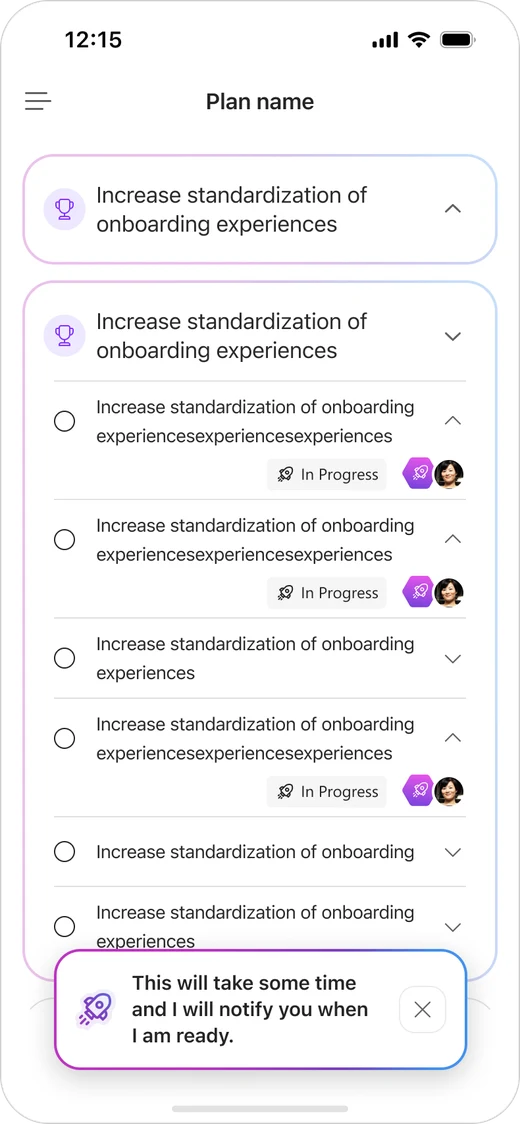
Plan on a phone with a note that the agent will take time and notify when ready

06 / Stay on top

Stay on top

Demo
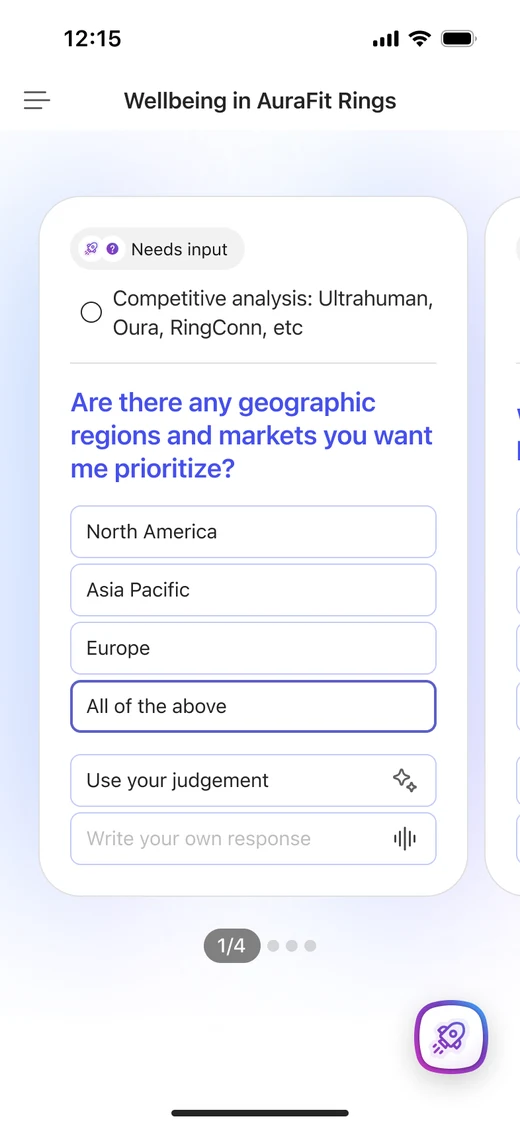
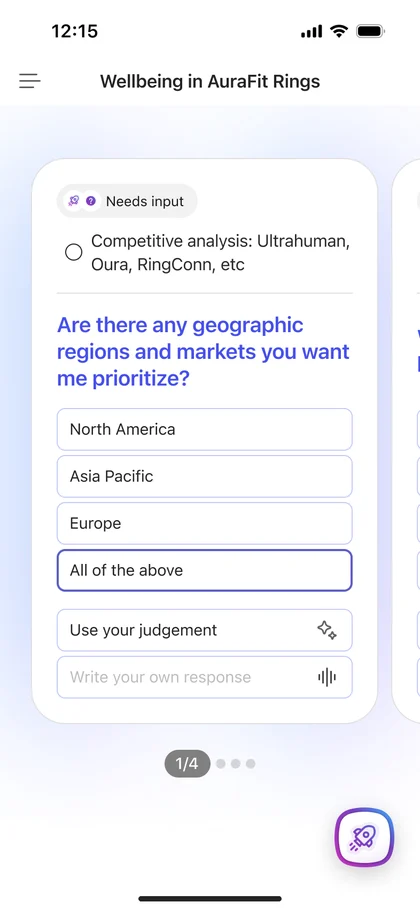
  • Triage and park for later.
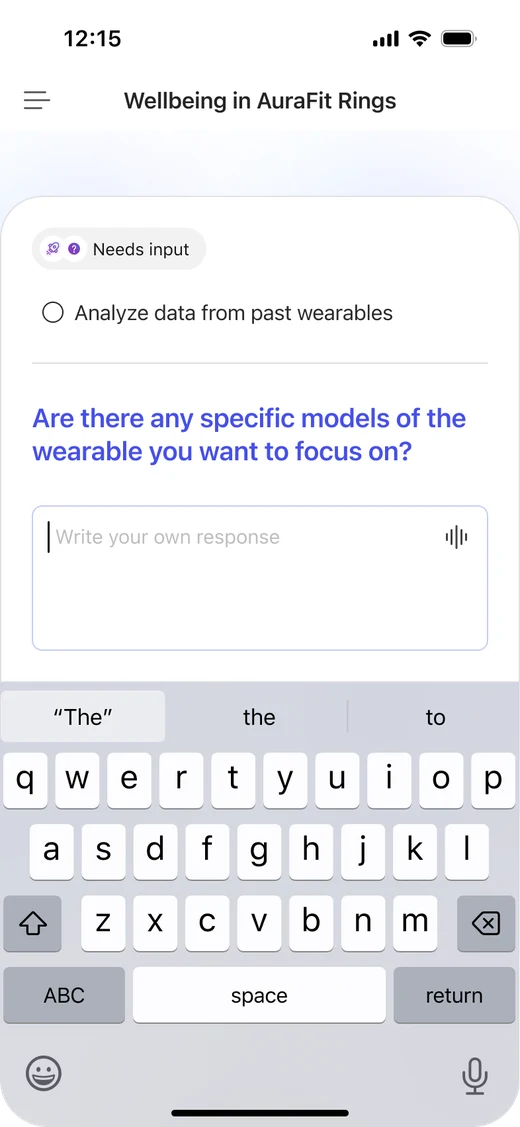
  • Triage and intervene in the agentic workflow.
  • Quick review to unblock agents.
Phone screen showing an agent needing input with answer choices
Phone screen showing a task with the agent question and choices

07 / Consume

Consume

Demo
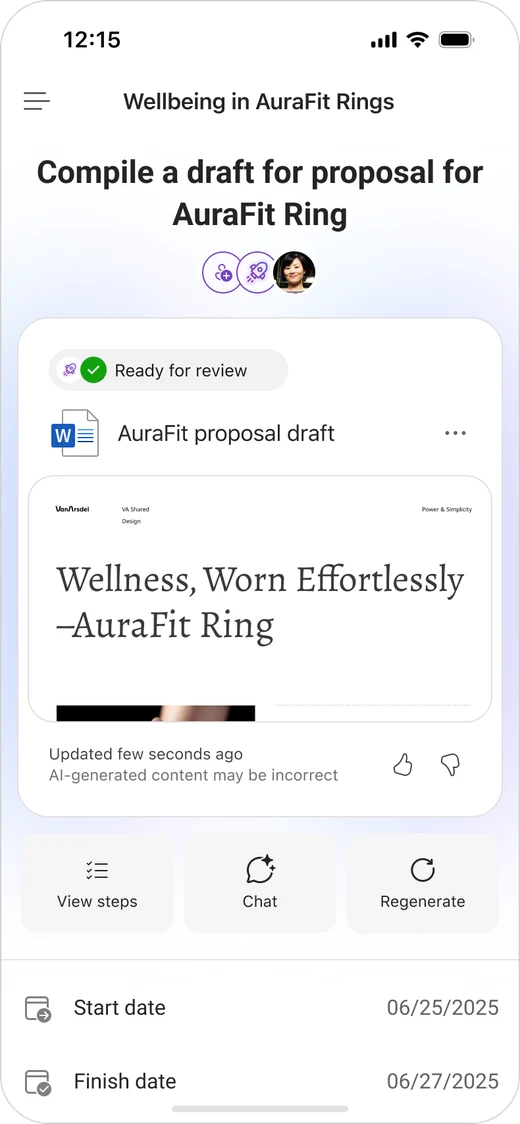
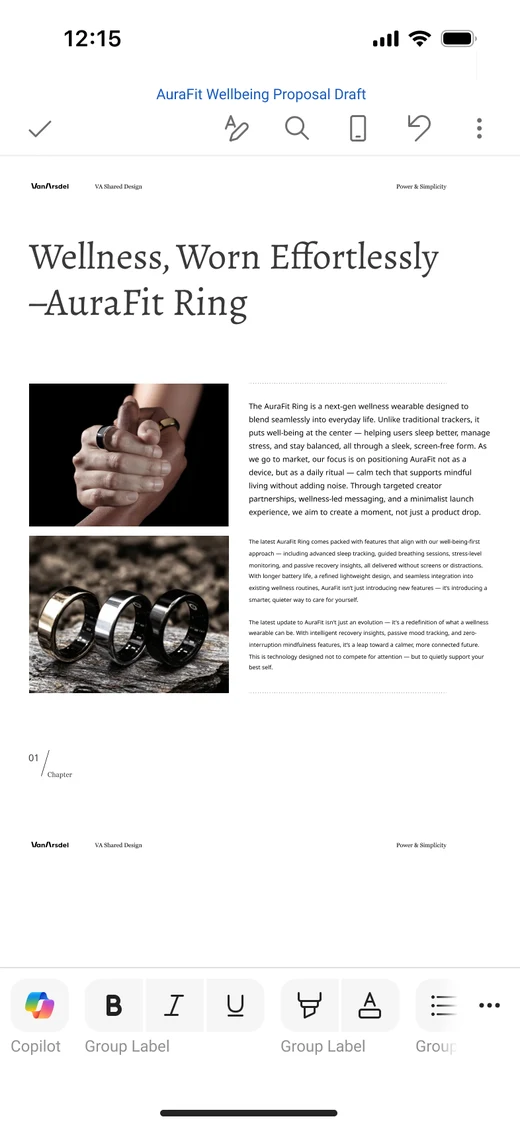
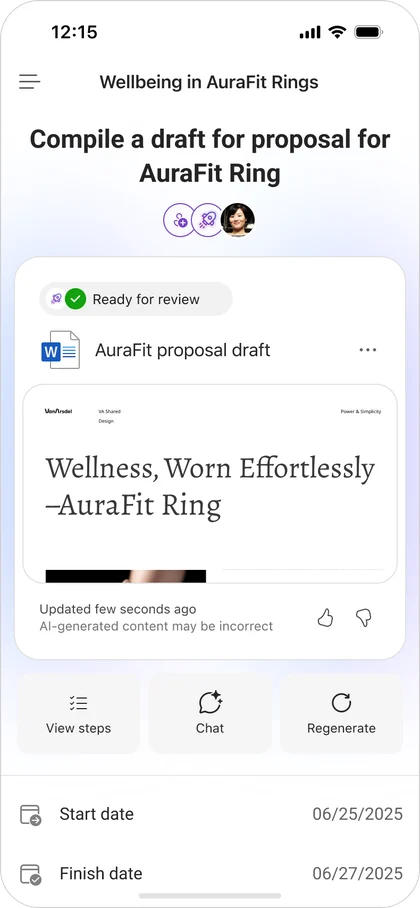
  • Focus on the generated task output.
  • Read-only preview, and navigate to the corresponding app to edit and update.
Phone screen showing a task with a draft ready for review
Phone screen showing the generated proposal draft

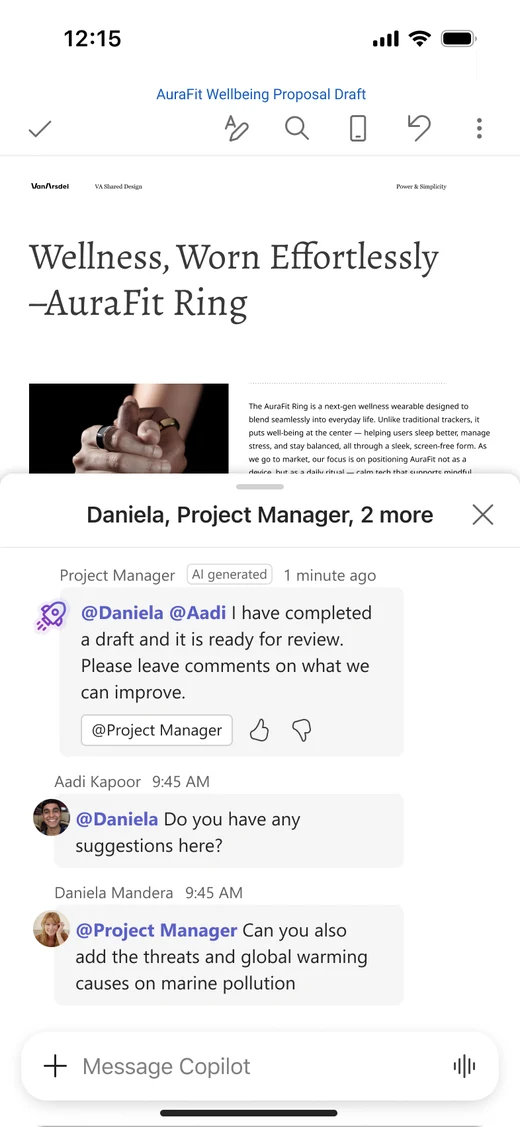
08 / Share and collaborate

Share and collaborate

  • Continue building on the output draft.
  • Collaborate with team members, human and agents.
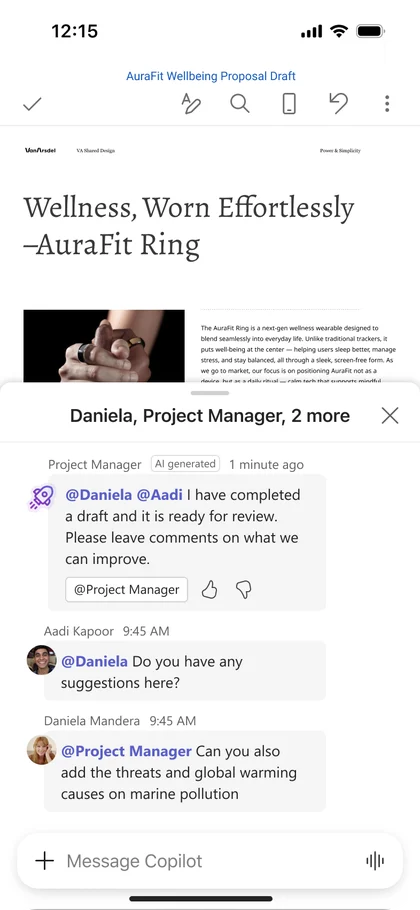
Phone screen of a draft with a task chat between the team and an agent

Collaborating with agents and humans together

Using task chat for conversing with agents and human team members to continue working on the output.

09 / End to end
End to end

Capture at the speed of thought
Capture at the speed of thought screen
Get started with work
Get started with work screen
Stay on top and unblock
Stay on top and unblock screen
Consume, on the go
Consume, on the go screen
Share and collaborate
Share and collaborate screen